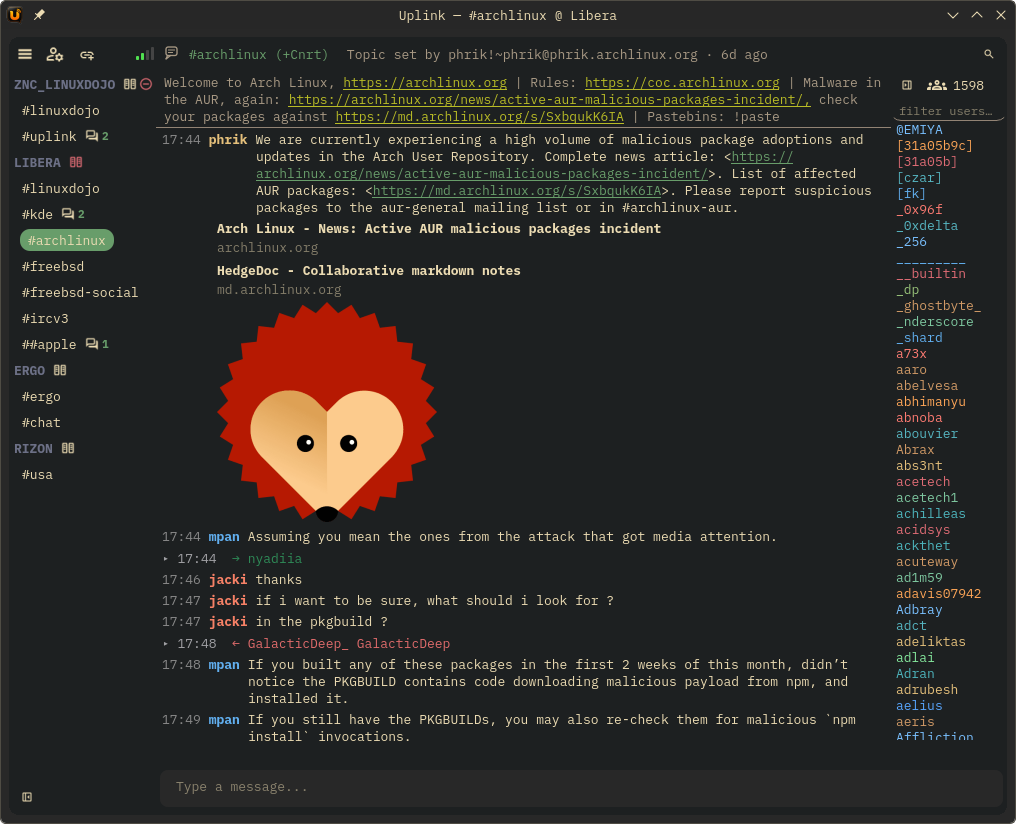
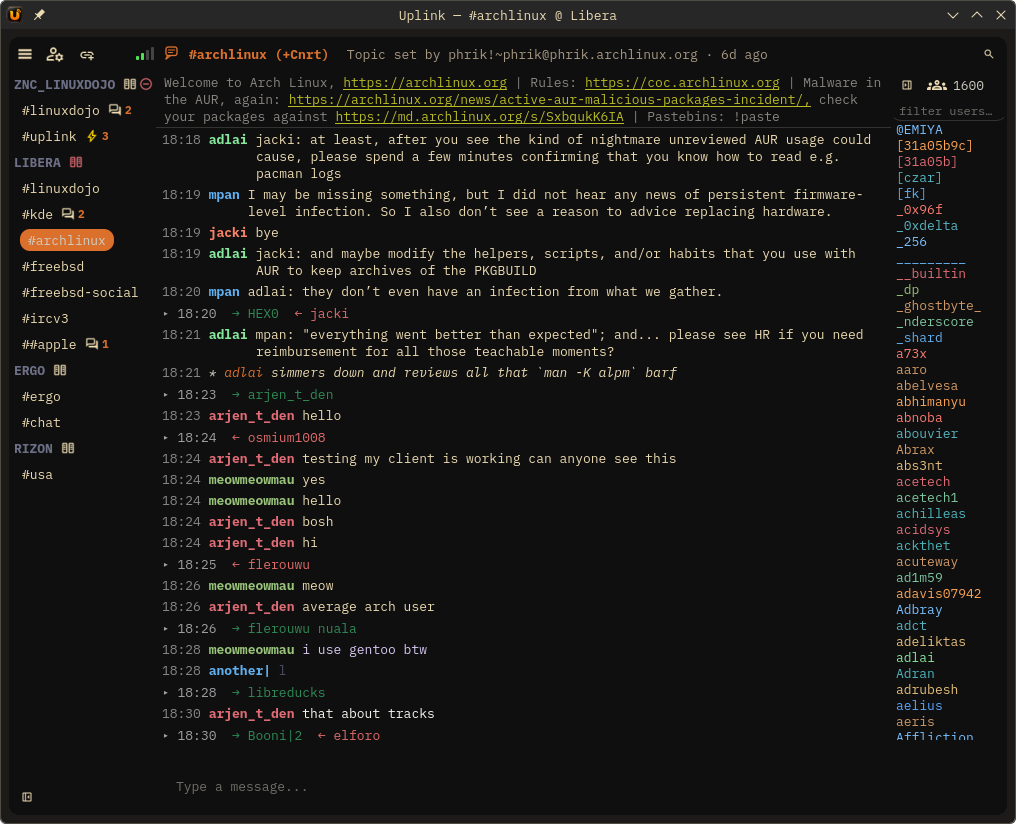
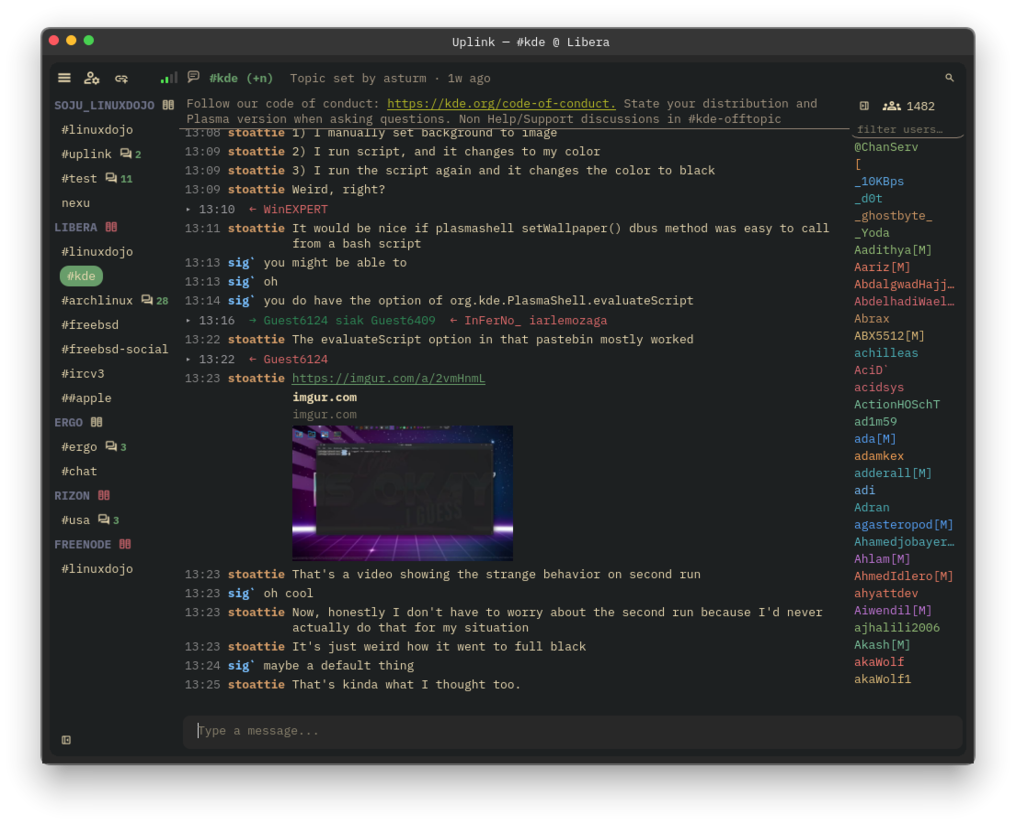
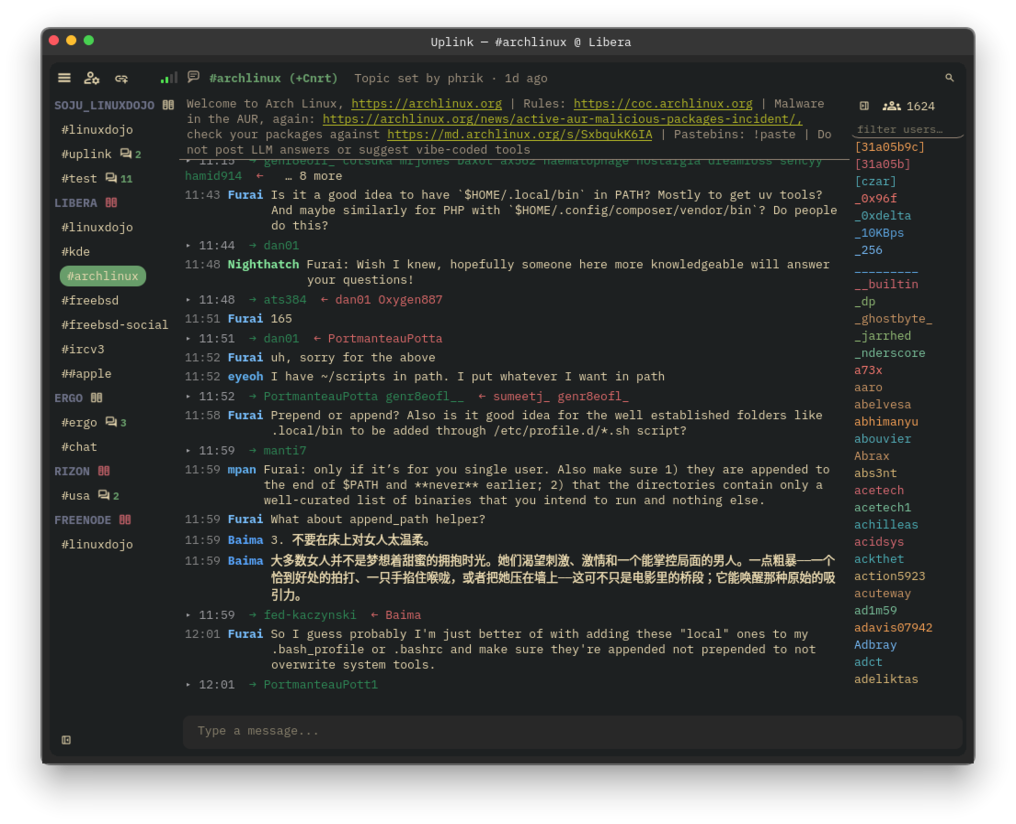
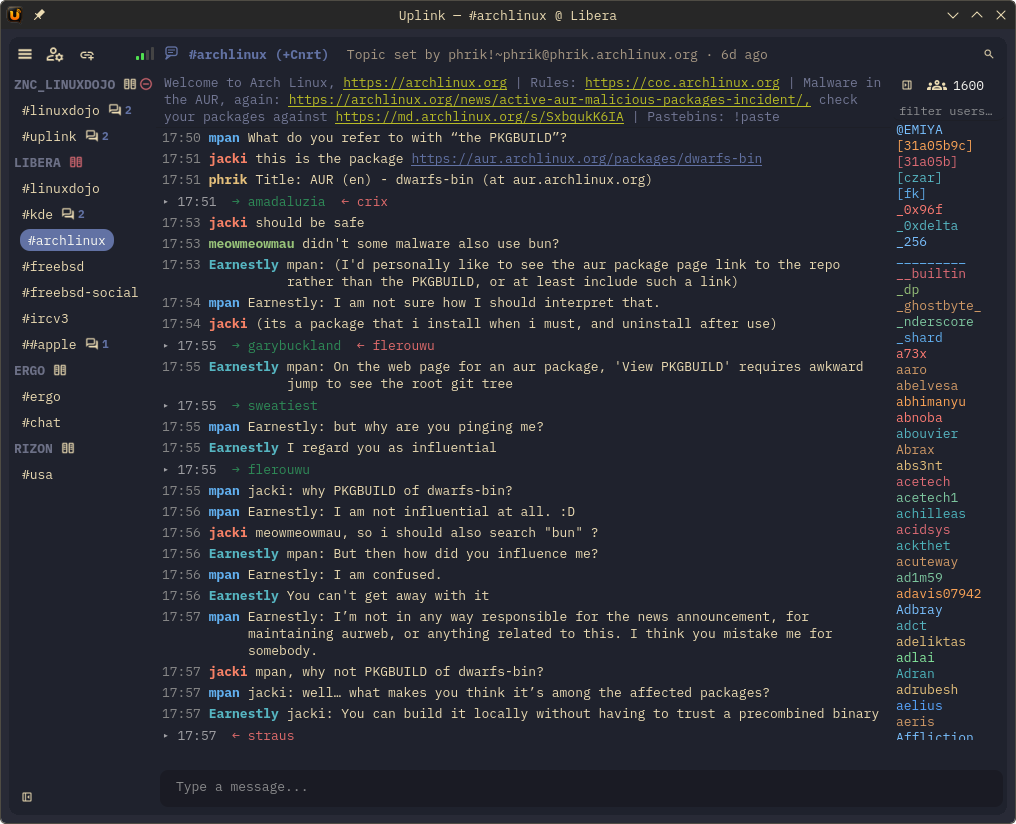
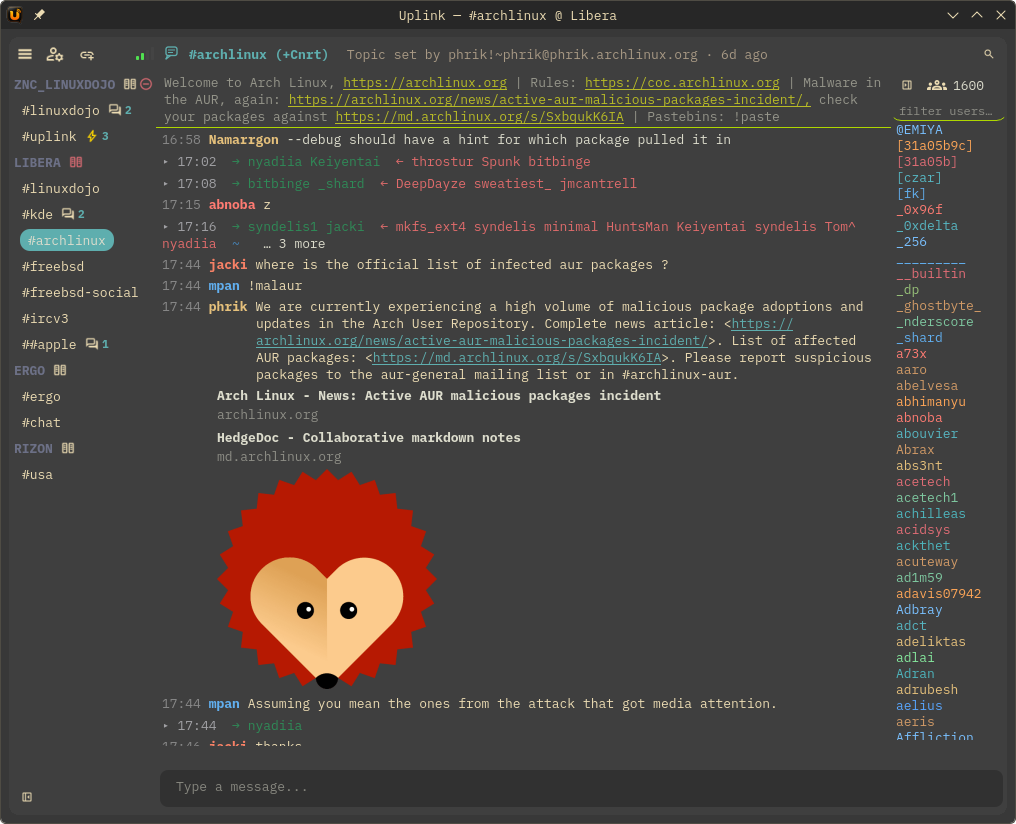
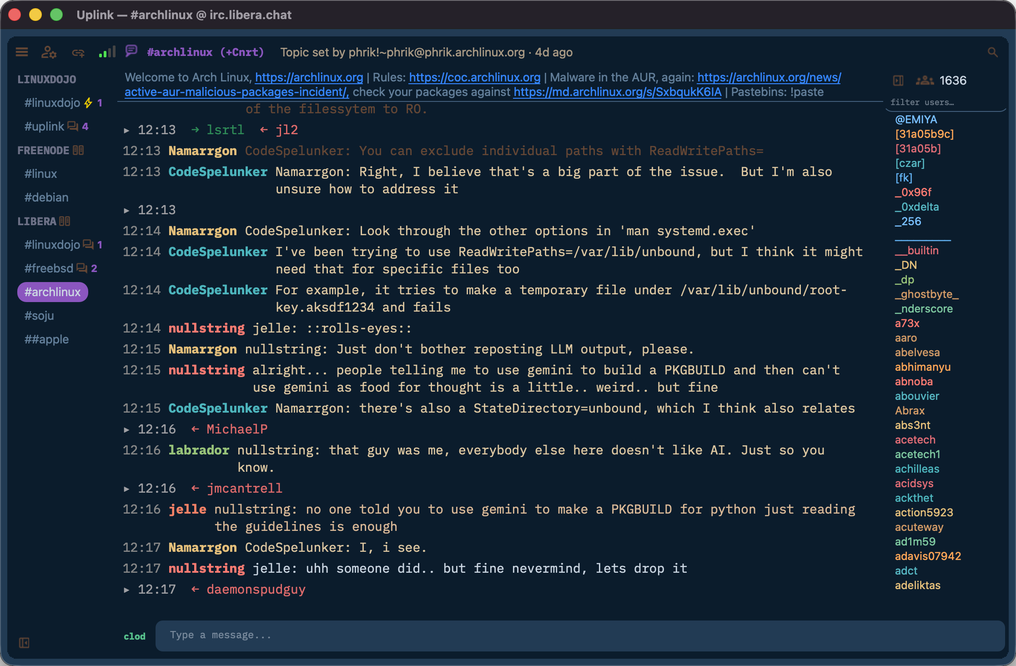
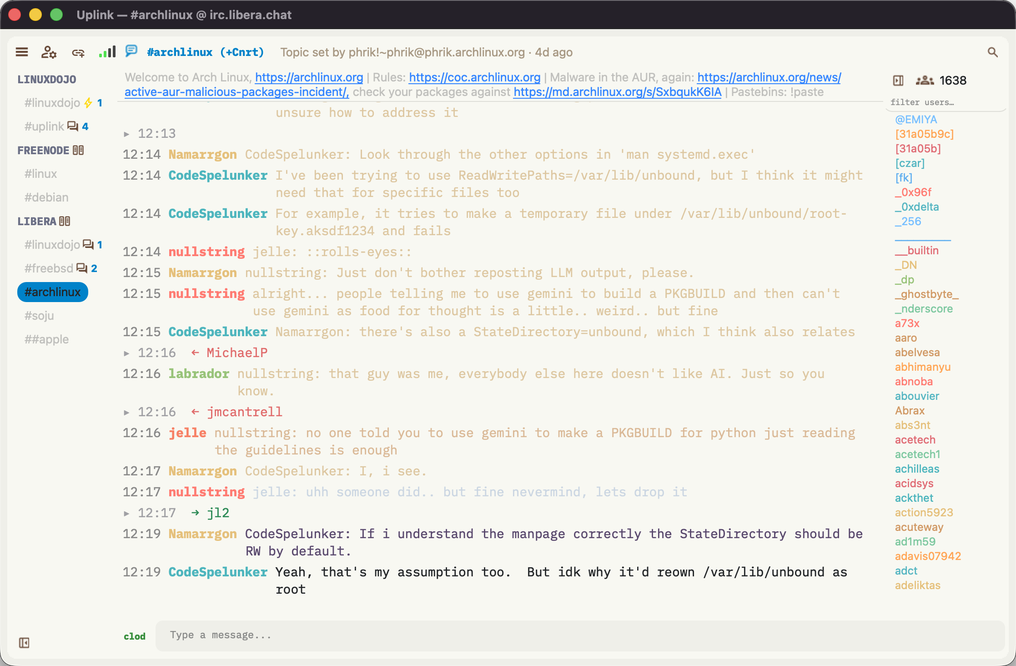
Uplink is a fast, secure, native IRC client with full IRCv3 support — chat history, reactions, typing indicators, message deletion — wrapped in a clean Qt6 interface. No Electron. No web view. Just C++.
Pre-built binaries straight from the releases page. One codebase, four platforms, zero web runtime.
All builds are on the releases page ↗ · New? Start with the quick start ↓ or the full how-to guide ↗
IRCv3 isn't a checkbox here — it's the point. Uplink negotiates 21 capabilities and turns them into features you can actually see.
Join a channel and the last 100 messages load via CHATHISTORY, dimmed with their original timestamps. No more joining blind.
draft/typing shows who's mid-thought as a quiet overlay on the chat. Your own state is sent debounced — no spam.
React to any message with an emoji via draft/react; reply threading shows ↩ origNick inline. IRC, but it understands context.
draft/message-redaction lets you delete your own messages — properly, across every client that supports it.
account-notify, account-tag, extended-join, and WHOX keep NickServ identities visible in real time — hover any nick to see who's actually there.
Server batch support folds netsplits and netjoins into a single summary line instead of a wall of quits. Your scrollback stays readable.
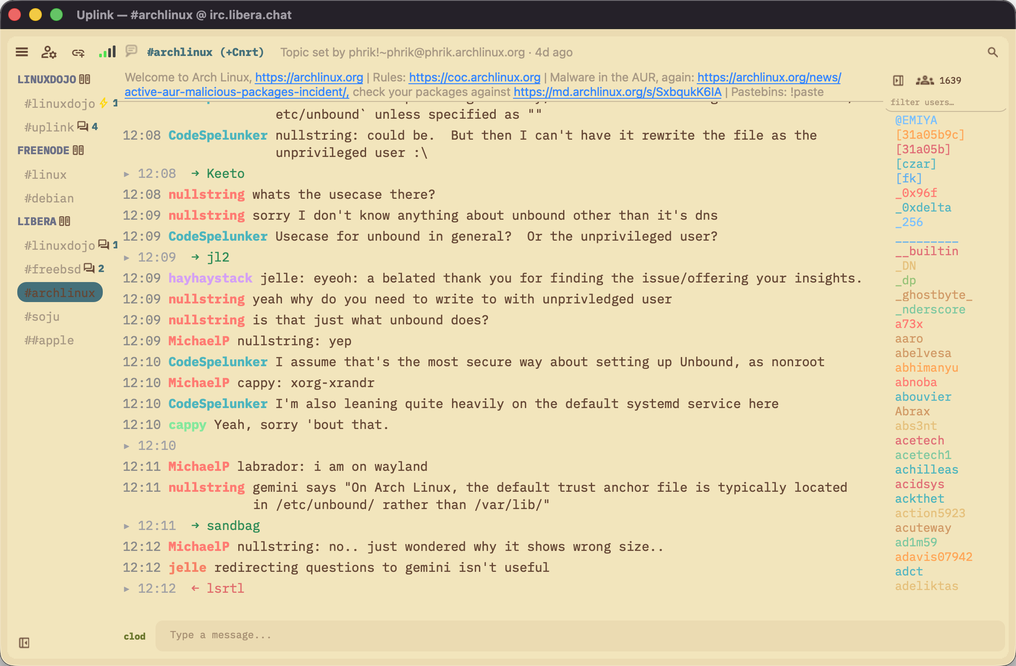
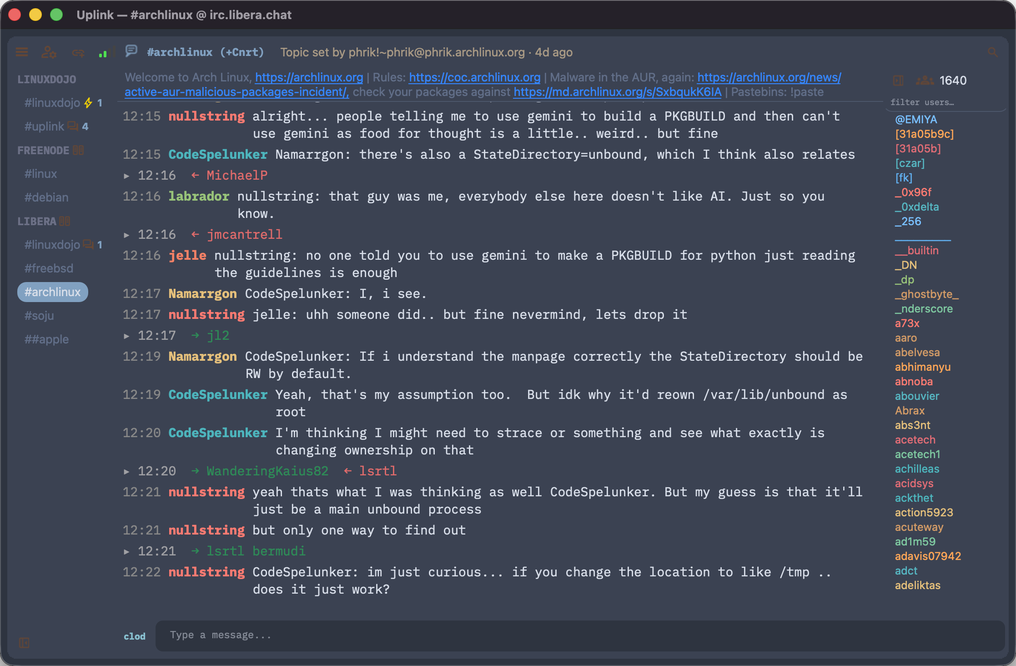
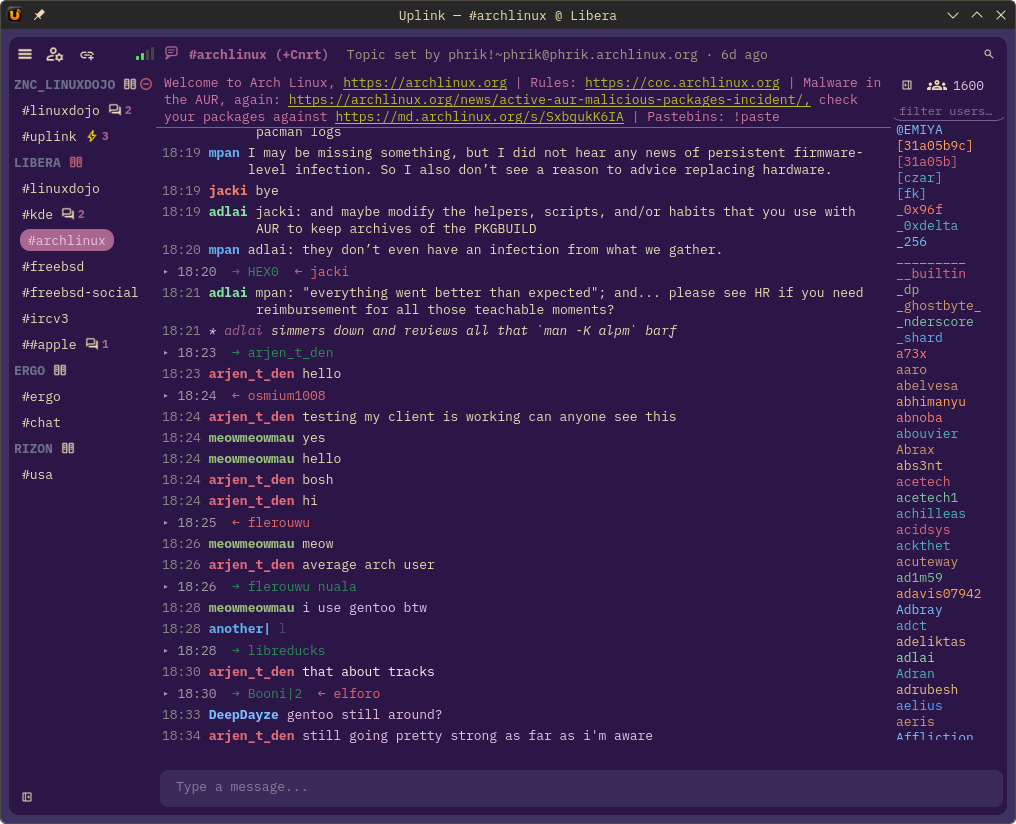
Catppuccin, Dracula, Nord, Gruvbox, Tokyo Night, Solarized, One Dark, and dozens more — browse with arrow keys, apply with Enter. Click below to preview.
52 more in Preferences → Theme. Per-widget font sizes, hanging indent toggle, and a collapsible sidebar round out the fit-and-finish.
Security isn't a feature-page afterthought — it's in the connection layer, the config file, and the rendering pipeline.
Every connection runs through QSslSocket. Invalid or self-signed certs disconnect immediately — no silent bypass, ever.
Passwords live in Secret Service, macOS Keychain, or Windows Credential Manager. The config holds a sentinel — no plaintext secrets on disk.
Full CAP-flow SASL, including certificate-based EXTERNAL auth with RSA and ECDSA keys. Log in without ever sending a password.
PASS, OPER, AUTHENTICATE, and NickServ payloads never appear in the raw log or any visible panel.
Inbound data capped at 64 KB, batches bounded, scrollback block count limited. A hostile server can't eat your RAM.
Auto-previews skip loopback, RFC 1918, link-local, and .local addresses. Nobody can make your client probe your LAN.
The details that matter when IRC is open all day, every day.
ZNC and soju are native citizens: znc.in/playback, soju.im/bouncer-networks, read markers, and self-message echo all work out of the box.
Open up to four channels at once — each pane gets its own history, nick list, topic bar, and input. Auto-layout from side-by-side to a 2×2 grid.
IRCv3 MONITOR tells you when someone comes online. Per-channel logs land in ~/.config/uplink/logs/, toggleable in Preferences.
Active and passive DCC send with live progress, standard ACK protocol, and sanitized filenames that shut down CTCP injection.
Everything lives in a single config.toml — mode 0600, atomic saves, openable straight from the ☰ menu. Your setup is greppable and versionable.
Bold, italic, all 16 IRC colors, /ping round-trips, rate-limited CTCP replies. The classics, done right.
Uplink ships pointed at its home network. Fire it up and you're one /join away from the people who build and use it.
Three steps. Everything else is optional — the full guide covers SASL, bouncers, DCC, and more.
Grab the binary for your platform from the download section above. The Linux AppImage runs anywhere — chmod +x Uplink-*.AppImage then run it. No install, no package manager.
First launch connects to LinuxDojo with a placeholder nick. Open ☰ → Open Config, change nick = "yournick" to your actual nick, save, then click ☰ → Reload Config.
Uplink auto-joins #uplink on irc.linuxdojo.org:6697. To add any server: ☰ → Manage Servers. To join a channel: /join #channel.
Minimal config block
Config file location
| Platform | Path |
|---|---|
| Linux / FreeBSD | ~/.config/uplink/config.toml |
| macOS | ~/.config/uplink/config.toml |
| Windows | %USERPROFILE%\.config\uplink\config.toml |
Essential slash commands
| Command | What it does |
|---|---|
/join #channel | Join a channel |
/part | Leave the current channel |
/nick newnick | Change your nickname |
/msg nick text | Send a private message |
/me action | CTCP action (/me waves) |
/whois nick | Full user info — lands in active channel |
/away message | Set away · /back to return |
/ignore nick | Suppress a nick · /unignore nick to lift |
/clear | Clear the chat buffer |
/raw line | Send a raw IRC protocol line |
/quit [msg] | Disconnect |
/help | List all commands |
Keyboard shortcuts
| Key | Action |
|---|---|
| Tab | Cycle through nick completions alphabetically |
| ↑ / ↓ | Scroll input history |
| Ctrl+F | Search the chat buffer |
| Ctrl+W | Minimize to system tray |
| PgUp / PgDn | Scroll chat |
That's the surface. The full how-to guide → covers connecting to any server, SASL PLAIN & EXTERNAL auth, ZNC / soju bouncer setup, chat history, DCC transfers, avatars, themes, and troubleshooting.
CMake + Qt6 is all it takes. FreeBSD users: install qt6-base, qt6-websockets, and cmake from ports or pkg first.